


JR Raphael, Foundry
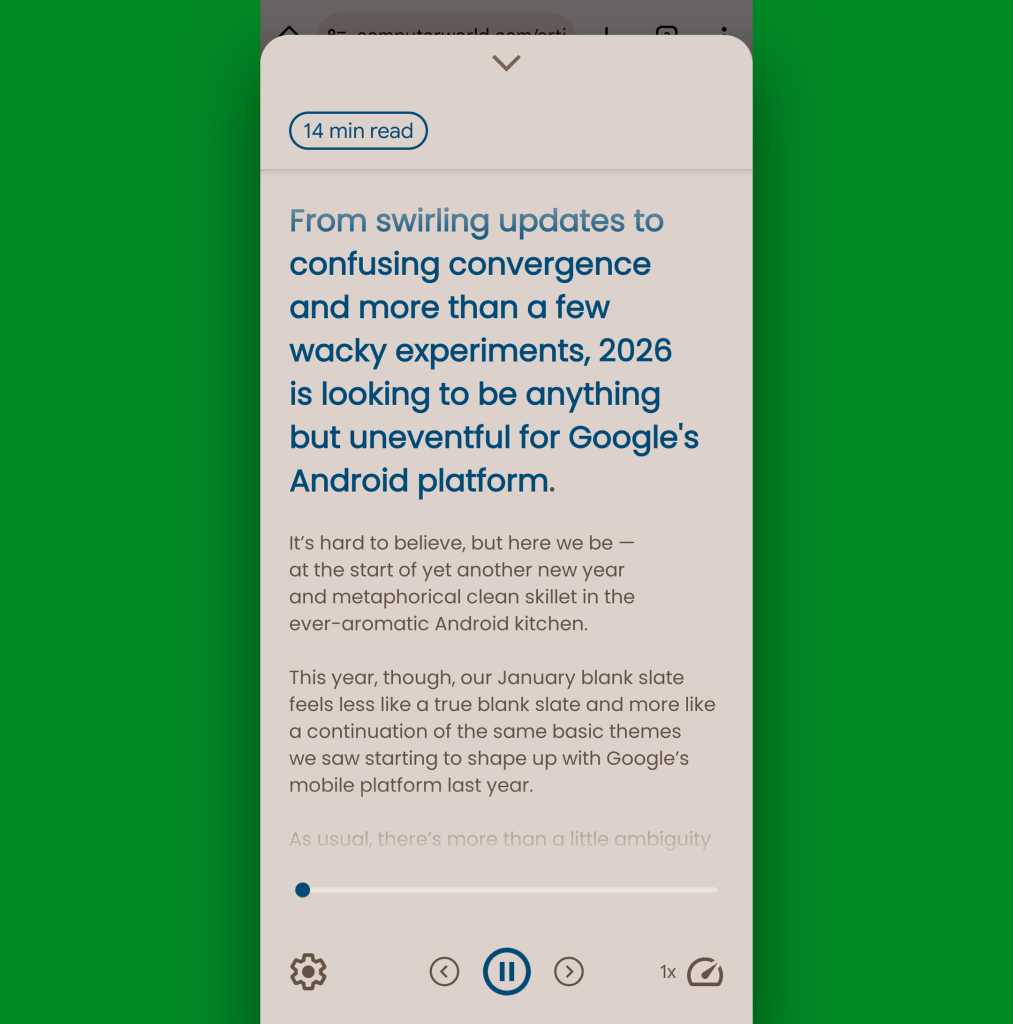
No kidding: I completely forgot to re-enable Reading Mode after my last device change and only just recently realized I’d gotten entirely out of the habit of even thinking about it. And now, I’m mildly obsessed with using it everywhere possible — with ad-laden articles on web pages, unfortunately fonted or colored content I’ve opened within the Google app, even awkwardly formatted emails that I’m squinting to read in my inbox.
Whatever it is, I just hold down those two volume buttons together for a moment, and boom: The text is transformed into a distraction-free, optimally formatted, and completely consistent visual experience — or, if I’m feelin’ saucy, an on-demand audio encounter that I can listen to as I walk, drive, or do a jaunty little jig.
Oh, and a side perk: Unlike the more aggressive browser-based or add-on-enabled ad-blockers out there, this approach (a) allows all the ads within whatever you’re reading to be served — just in a place where you aren’t actually seeing them — and (b) goes a step further by also reformatting the text to eliminate regrettable layouts, font choices, and color selections at the same time. And it doesn’t randomly break pieces of the web as a result of blocking scripts that are actually required for core site functionality, as those script-blocking mechanisms occasionally tend to do. Win-win-win, baby.
